
SITE GUIDE
The MediaPavilion Guide
Short video tours of every part of MediaPavilion, each with a written guide underneath. Start with the full tour, then jump to the area you need.
New: these tour videos are now part of our FAQ & Site Guide page, alongside the written FAQ.
IN THIS GUIDE
Welcome to MediaPavilion: the full tour · Global News & Insights · The Bookstore · Scholarships & Admissions finders · Jobs & Opportunities · Loans & Grants · Business & Finance · AI & Technology · Cryptocurrency · Sports and Live Scores · Reader tools: Listen, Favourites, search and alerts · Travel & Relocation · Health & Fitness · Education & Scholarships · Science · Entertainment & Media · Books & Publications · Find anything: menus, Explore Topics and search · Who we are: About, Mission and Editorial Policy
START HERE
Welcome to MediaPavilion: the full tour
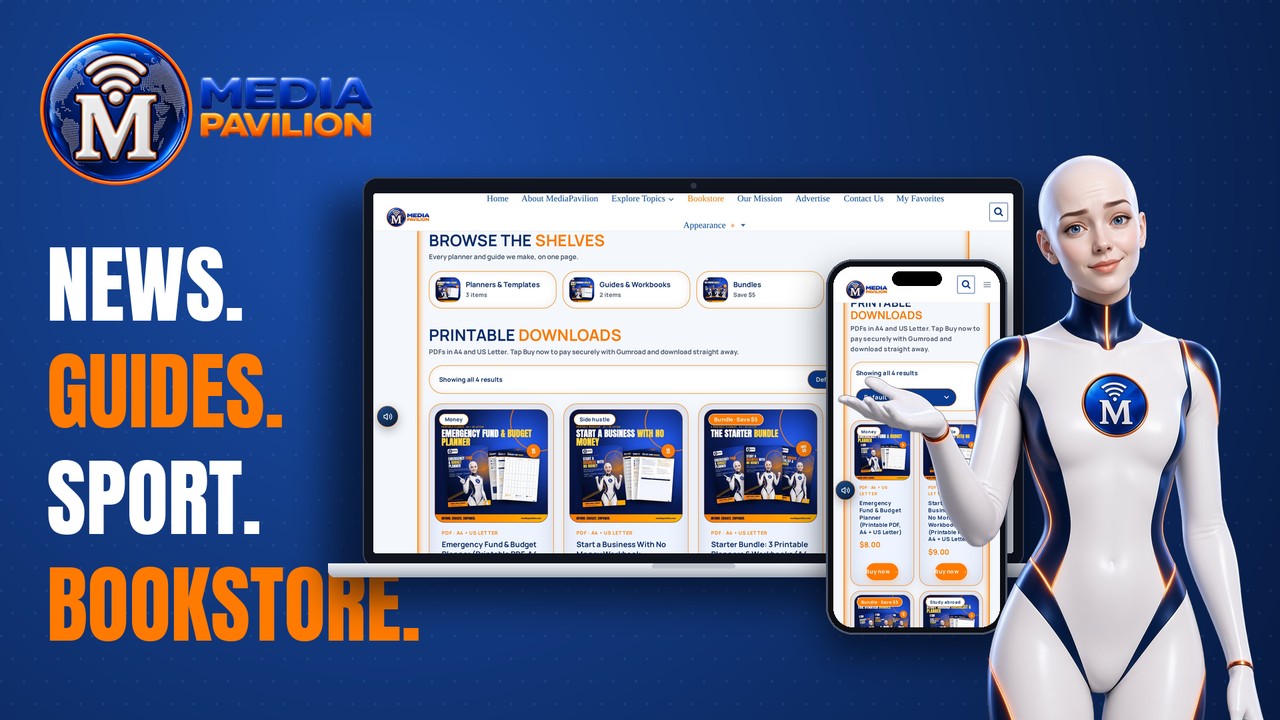
A quick tour of the whole site: the homepage, Explore Topics, articles, Listen, Favourites, search, dark mode, the Featured Pages and the Bookstore.
- Featured Pages: jobs, scholarships, the Bookstore, admissions, loans and grants, crypto airdrops and live scores
- Breaking & Live, Latest stories and every topic at a glance
- Built-in reader tools: Listen, Save to Favorites, search and Appearance
EPISODE 1
Global News & Insights

The world, clearly explained. Follow breaking and live stories, browse the latest global news, or explore the news by region or by topic. Every article lists its sources and can be read aloud.
- Breaking & Live, with “View all breaking news”
- Explore News by Region: Europe, the Americas, Asia, the Middle East, Oceania and Africa
- Explore News by Topic: politics and diplomacy, business, AI and technology, science, health, sport and more
- In every article: In This Article, Sources, Listen, Save to Favorites and What next?
EPISODE 2
The Bookstore
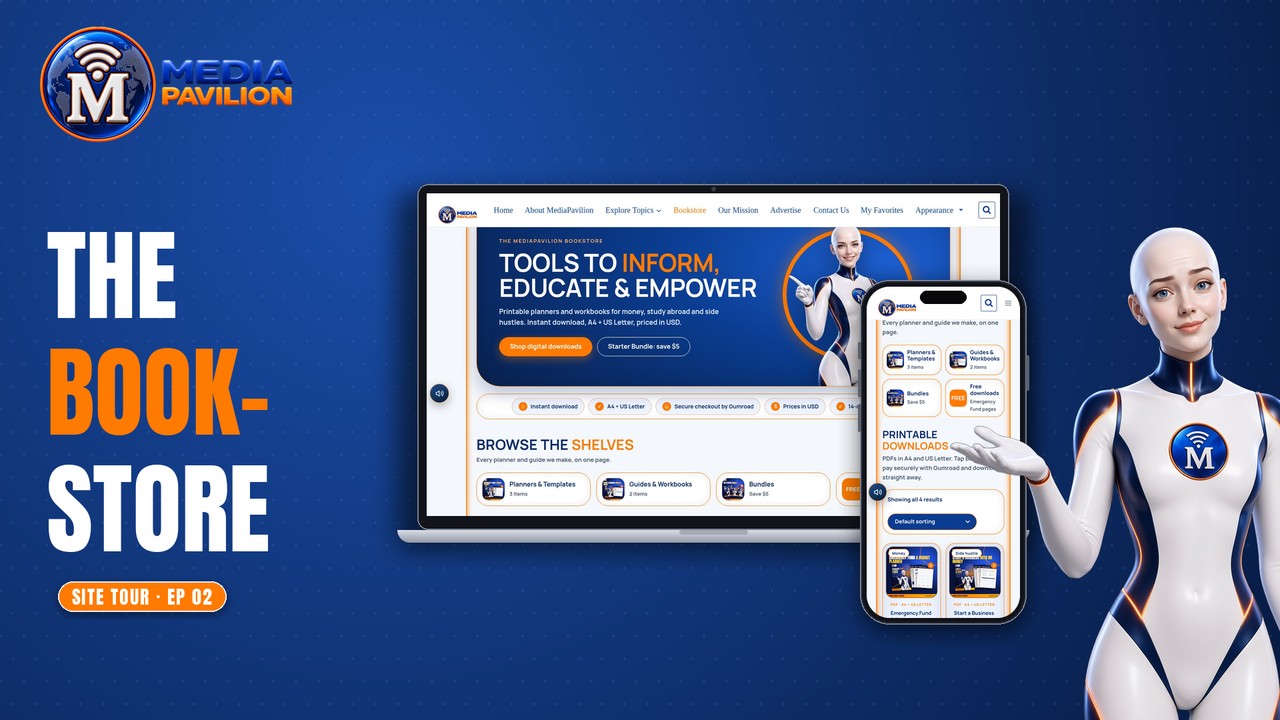
Printable planners and workbooks to help you manage money, start a business or plan study abroad. Every file comes in A4 and US Letter, priced in US dollars, with secure checkout by Gumroad and an instant download.
- Shelves: Planners & Templates, Guides & Workbooks, Bundles and Free downloads
- Starter Bundle: three planners in one download
- 14-day help guarantee (see Store Terms)
EPISODE 3
Scholarships & Admissions finders
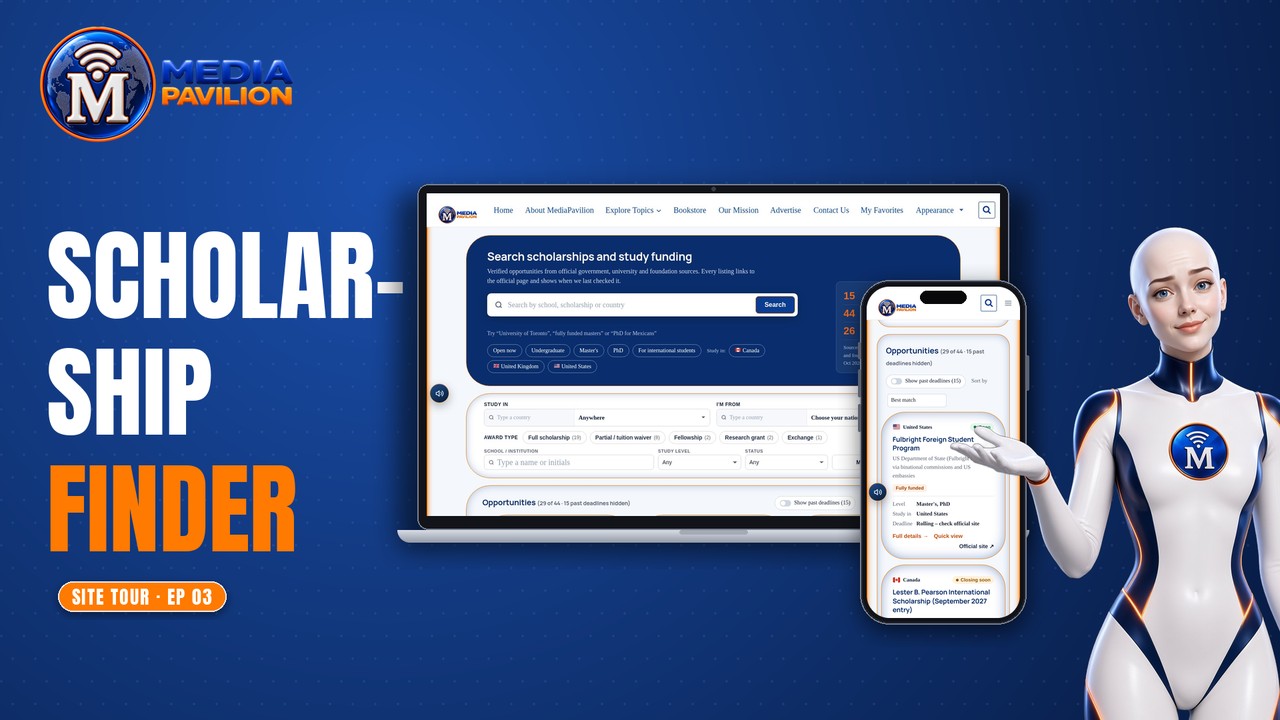
Search scholarships, study funding, admissions and programmes listed from official sources. Use suggestions, filters and sorting, check when each listing was last verified, then apply on the official site.
- Type-ahead suggestions and filters
- Option to show past deadlines
- Each listing shows its key facts and links straight to the official page
EPISODE 4
Jobs & Opportunities
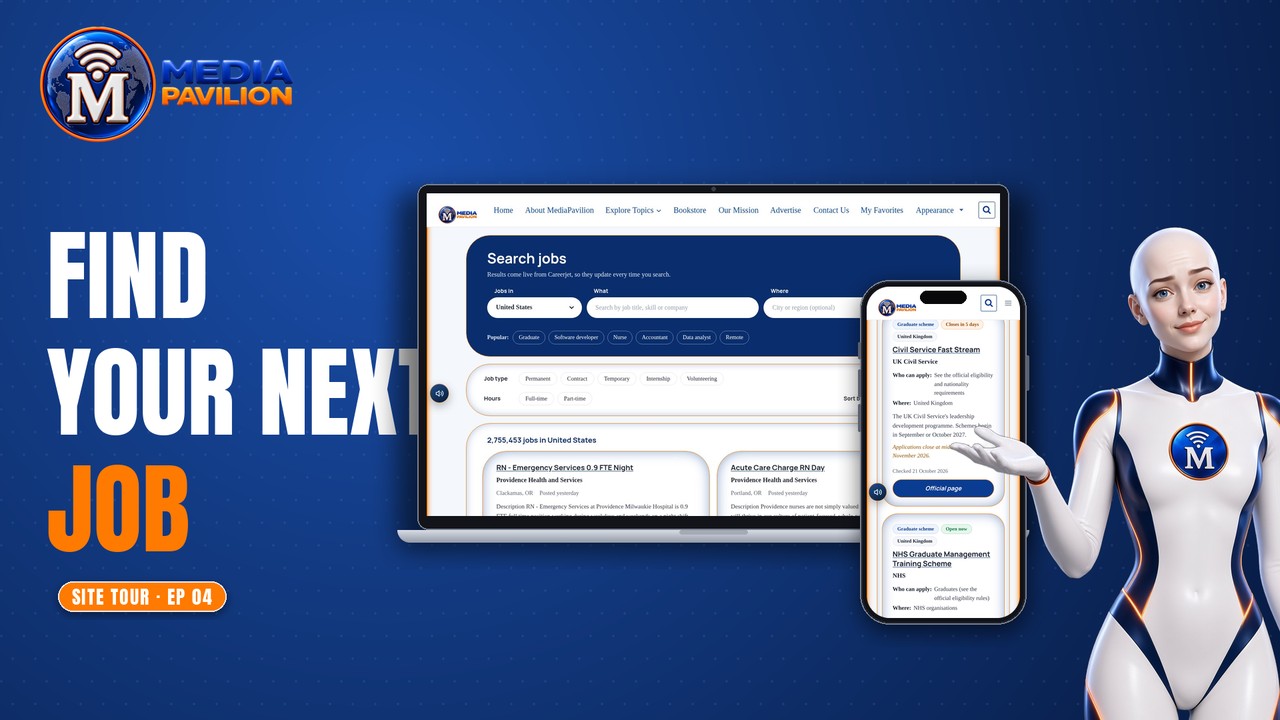
Discover jobs, internships and career resources. Start with the country you want to work in, search by job title, skill or company, and sharpen your applications with career guides.
- Live job search with filters for job type and hours, and sorting
- Career Guides & Advice: CVs, interviews, remote work and freelancing
EPISODE 5
Loans & Grants
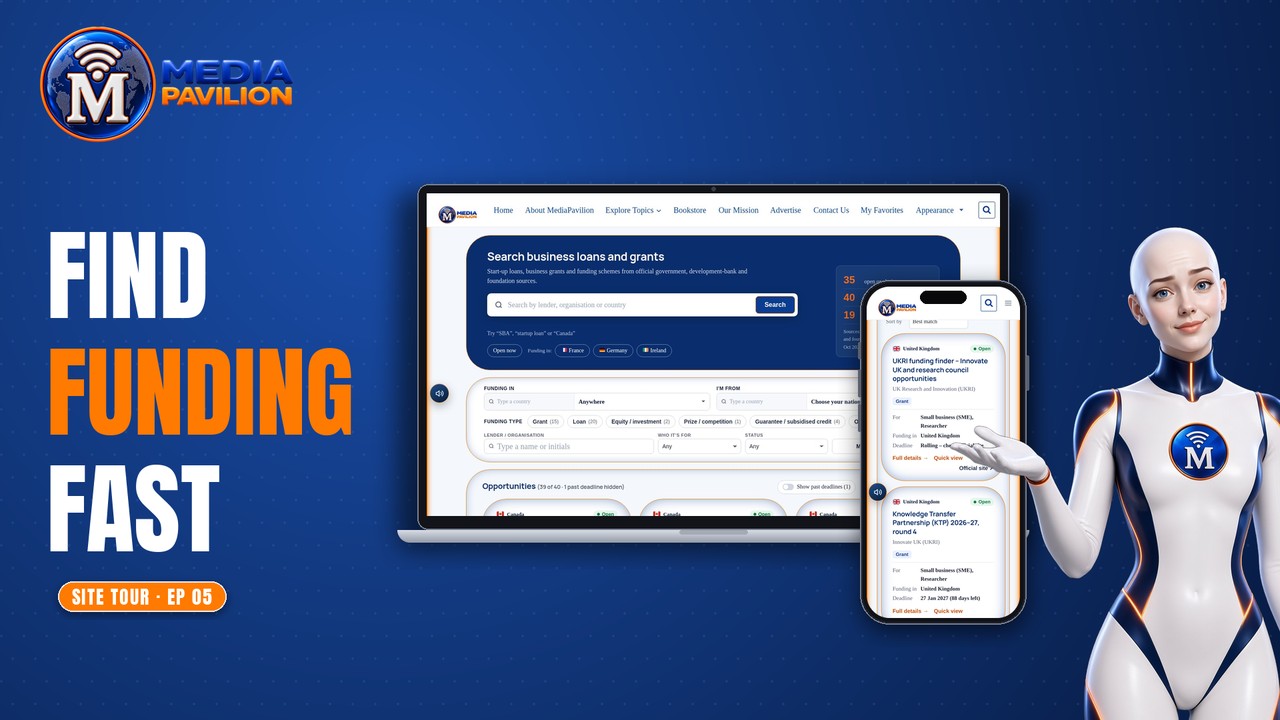
Find grants, loans and start-up funding from official sources, with filters and last-checked dates. Plain-English guides explain the options.
- Loans & Grants finder
- Loans & Grants News and Guides
EPISODE 6
Business & Finance
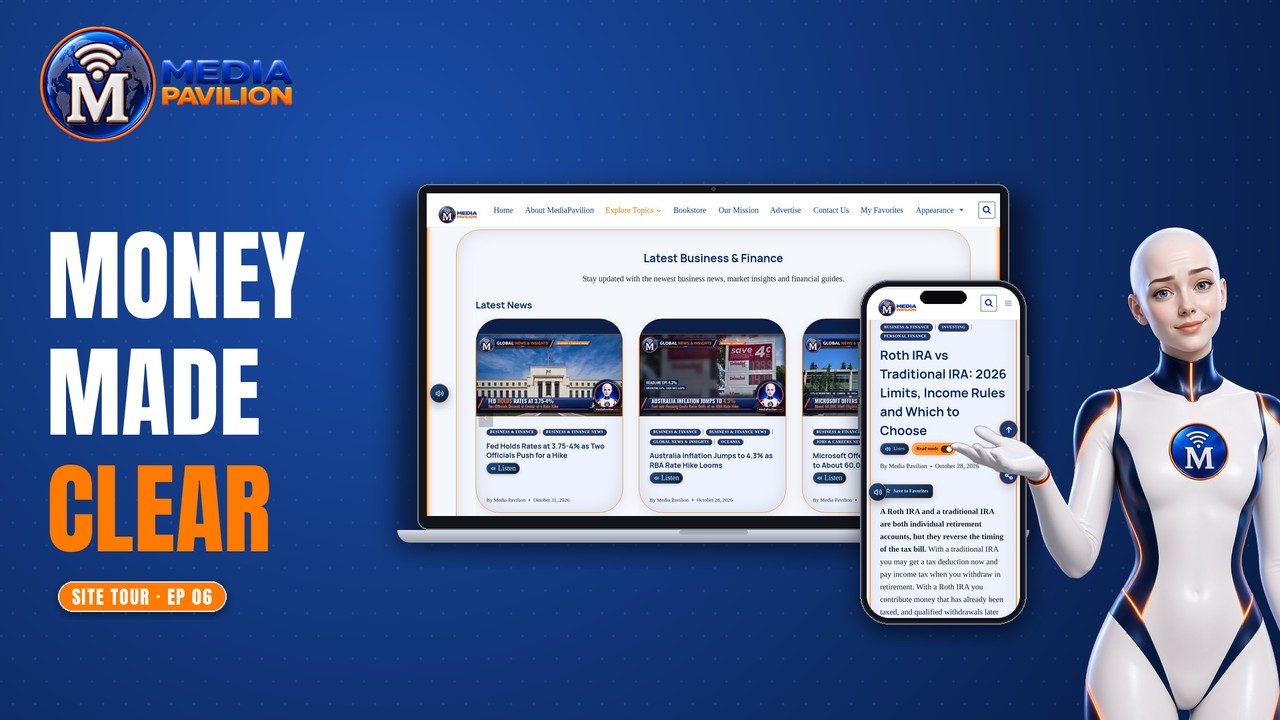
Markets, business news, investing, personal finance and entrepreneurship in one hub.
- Topics: Business, Entrepreneurship, Investing, Personal Finance and Markets
EPISODE 7
AI & Technology

The latest in artificial intelligence, robotics, cybersecurity, software and gadgets, explained clearly.
- Topics: Robotics, Cybersecurity, Software, Gadgets, Artificial Intelligence and Innovation
EPISODE 8
Cryptocurrency

Crypto news and live market tools, plus a checked list of airdrops and token sales with region restrictions and risk labels. Listings are for information only, not financial advice.
- Crypto Markets: prices, heatmap, converter and exchanges
- Airdrops & Token Sales: filters by region, status and cost, with an option to hide high-risk listings
EPISODE 9
Sports and Live Scores
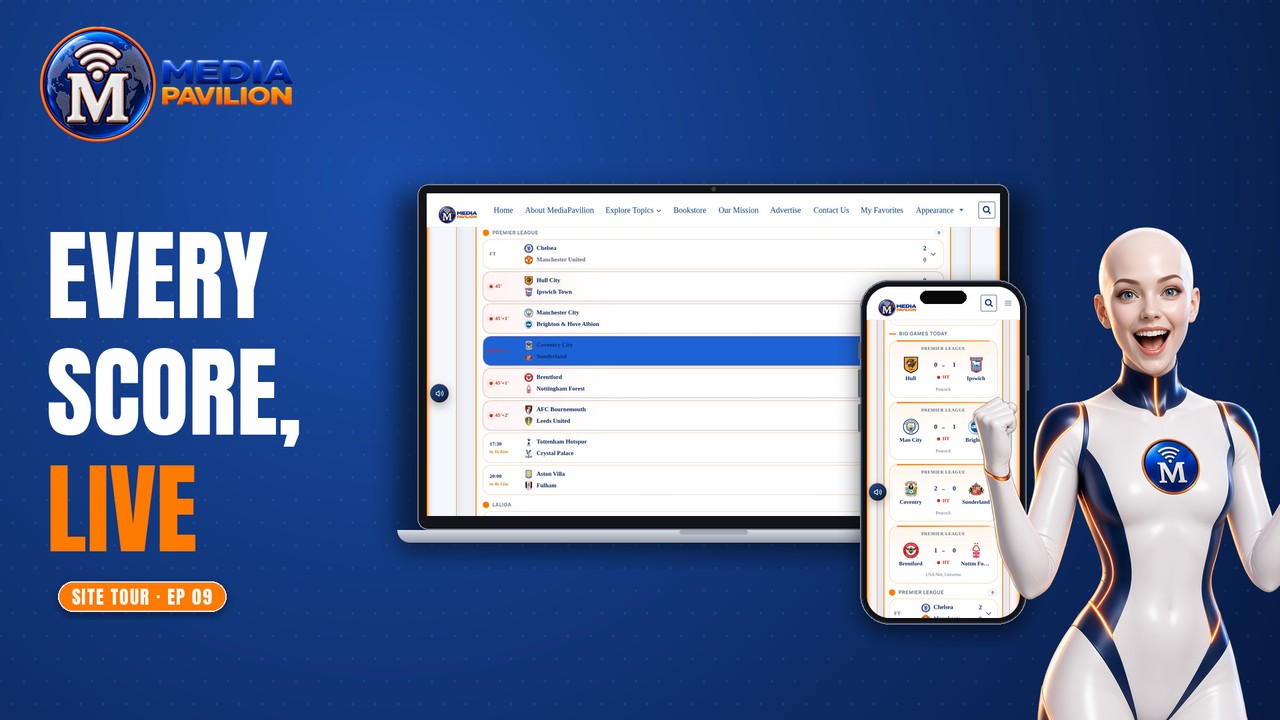
Sports news and analysis, plus live scores, results and fixtures. Scores update automatically while games are live, and start times show in your own time zone.
- Sports News and Sports Analysis
- Live Scores & Fixtures across football, basketball, Formula 1 and more
EPISODE 10
Reader tools: Listen, Favourites, search and alerts
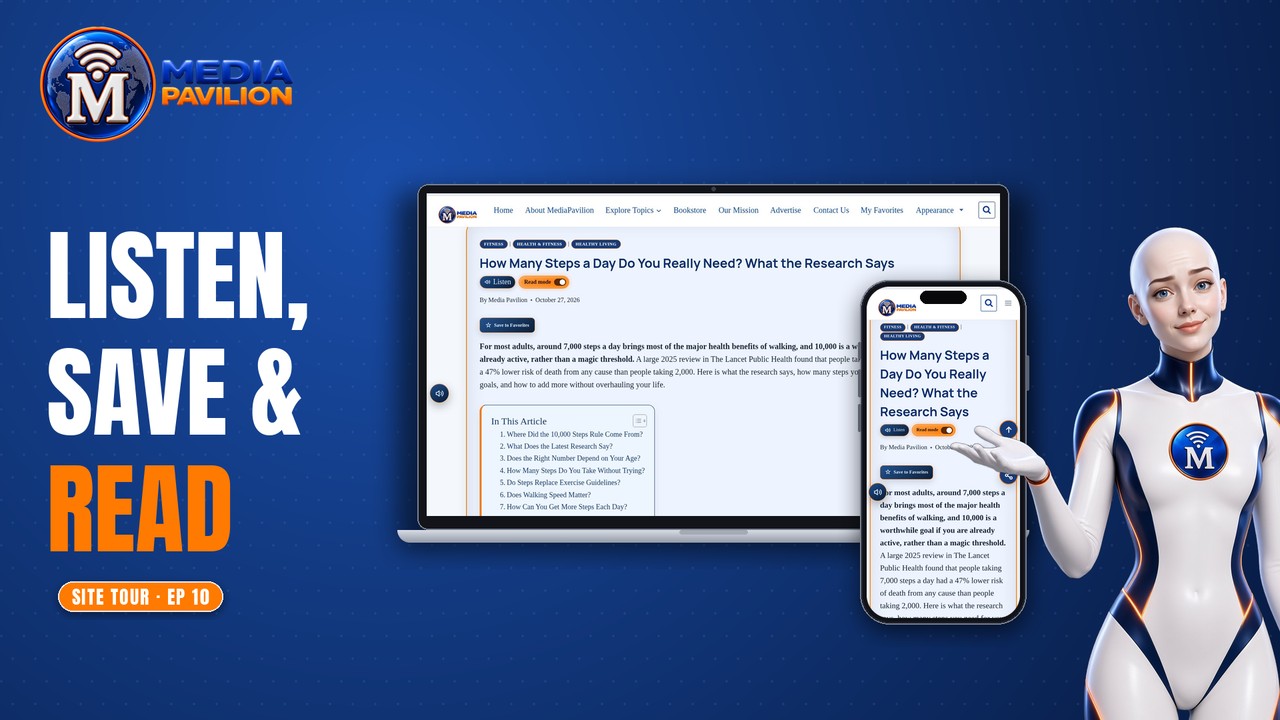
The tools that come with every story: Listen, Save to Favorites, search, Appearance (light or dark), breaking news alerts and the free daily newsletter.
- Voice Reader: play, skip and jump between sections
- My Favorites: your saved stories
- Breaking news alerts and the free daily newsletter
EPISODE 11
Travel & Relocation
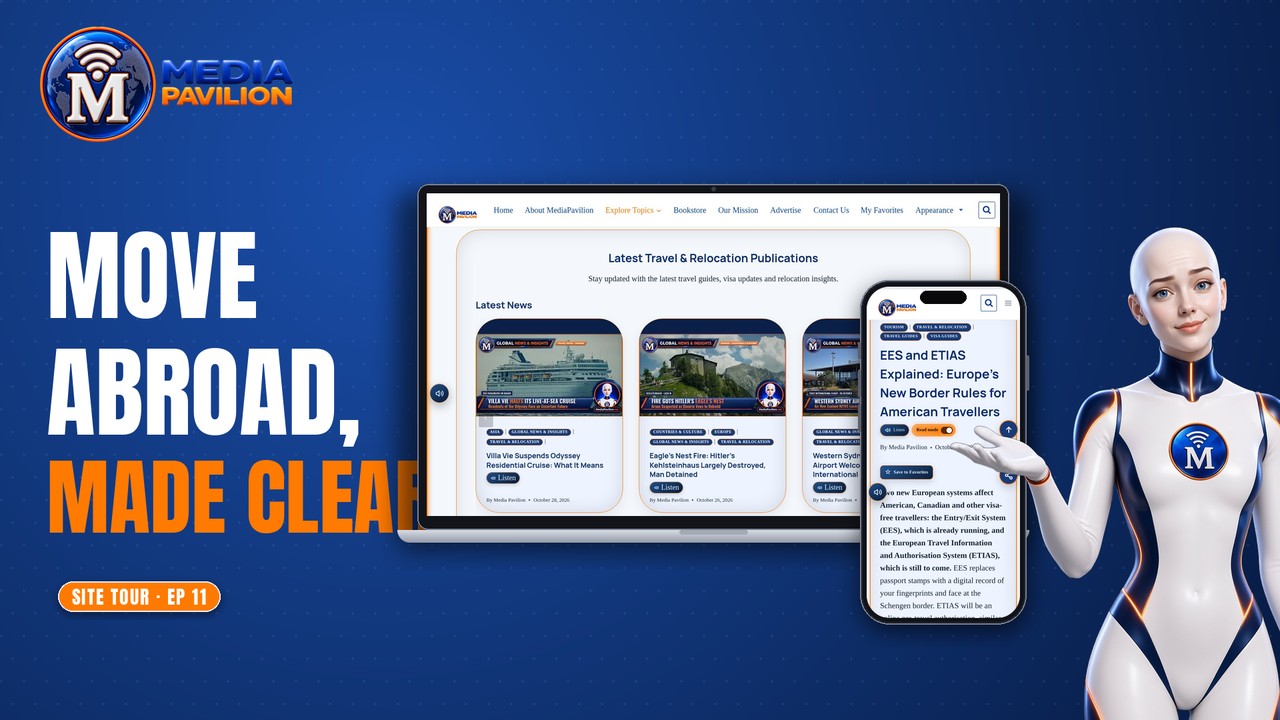
Travel guides, visas and immigration, digital nomad life, relocation, tourism and the cost of living abroad.
- Topics: Travel Guides, Visa & Immigration, Digital Nomad, Relocation, Tourism and Cost of Living
EPISODE 12
Health & Fitness
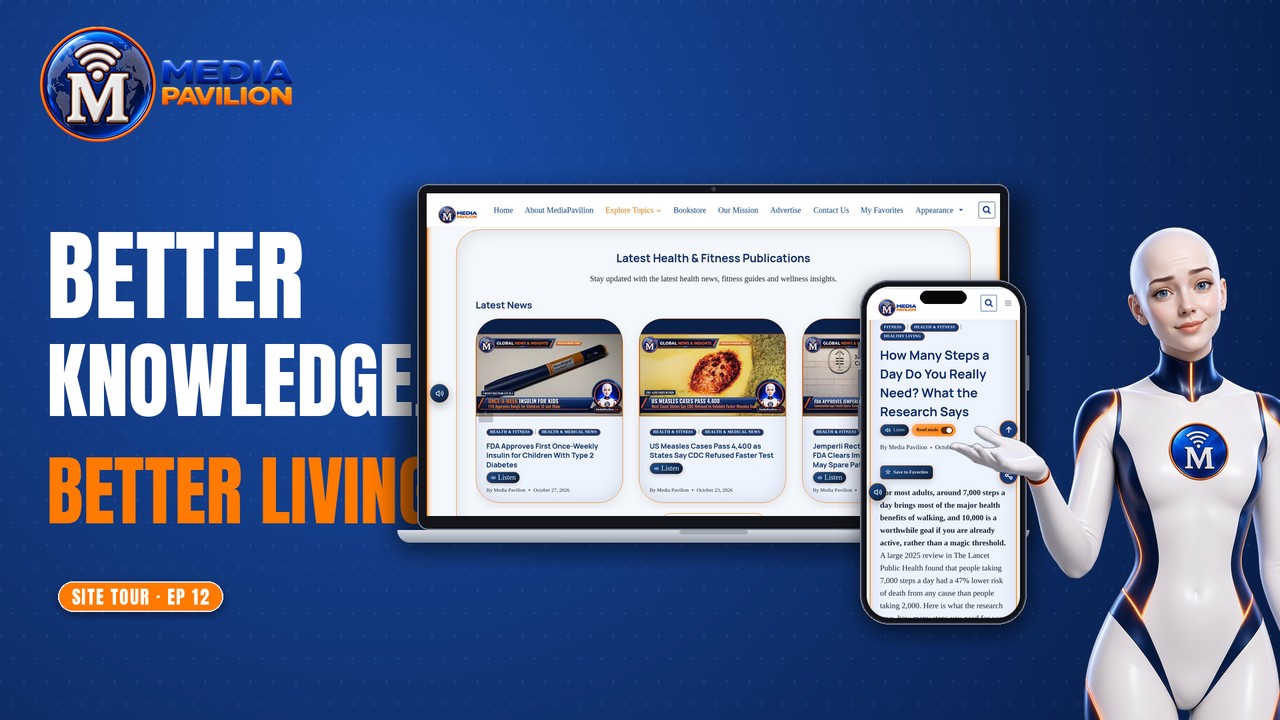
Better knowledge, better living. Health, wellness, fitness, nutrition and healthy living.
- Topics: Health & Medical News, Wellness, Healthy Living, Fitness, Nutrition & Diet and Mental Health
EPISODE 13
Education & Scholarships
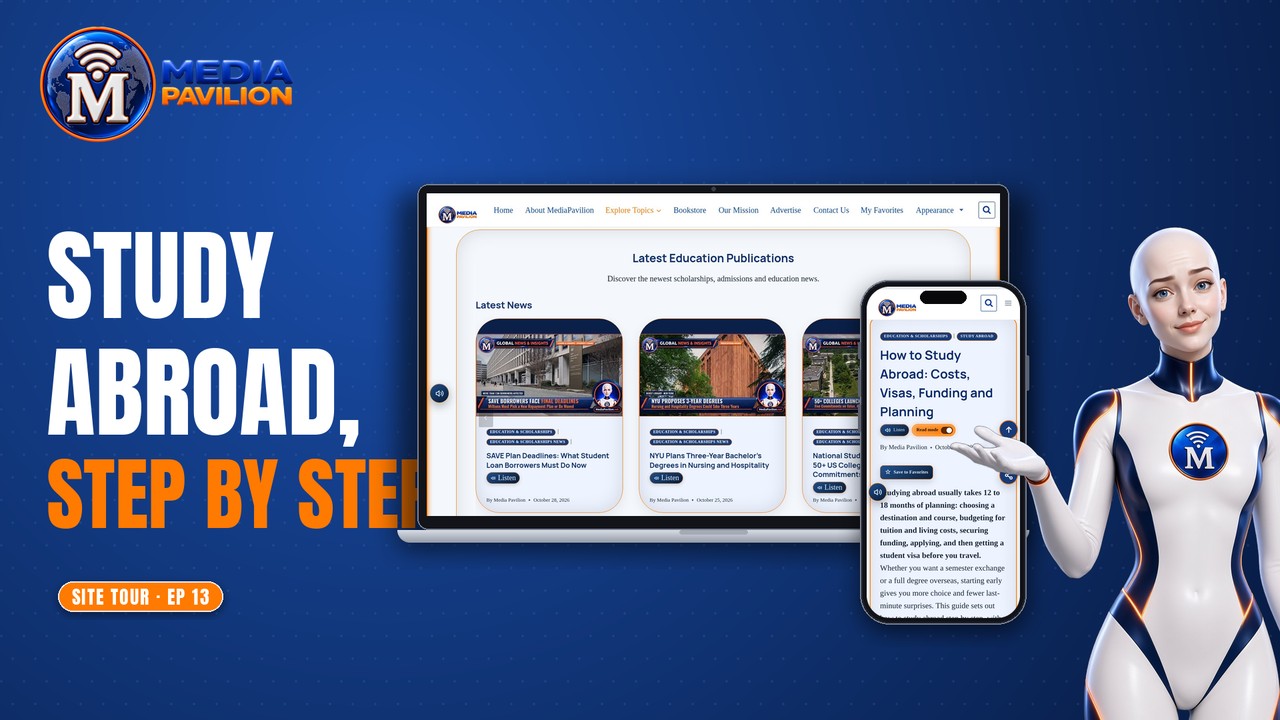
Education news, admissions and study-abroad guides, linked to the scholarship and admissions finders.
- Topics: Education News, Admissions & Programmes, Scholarships and Study Abroad
EPISODE 14
Science
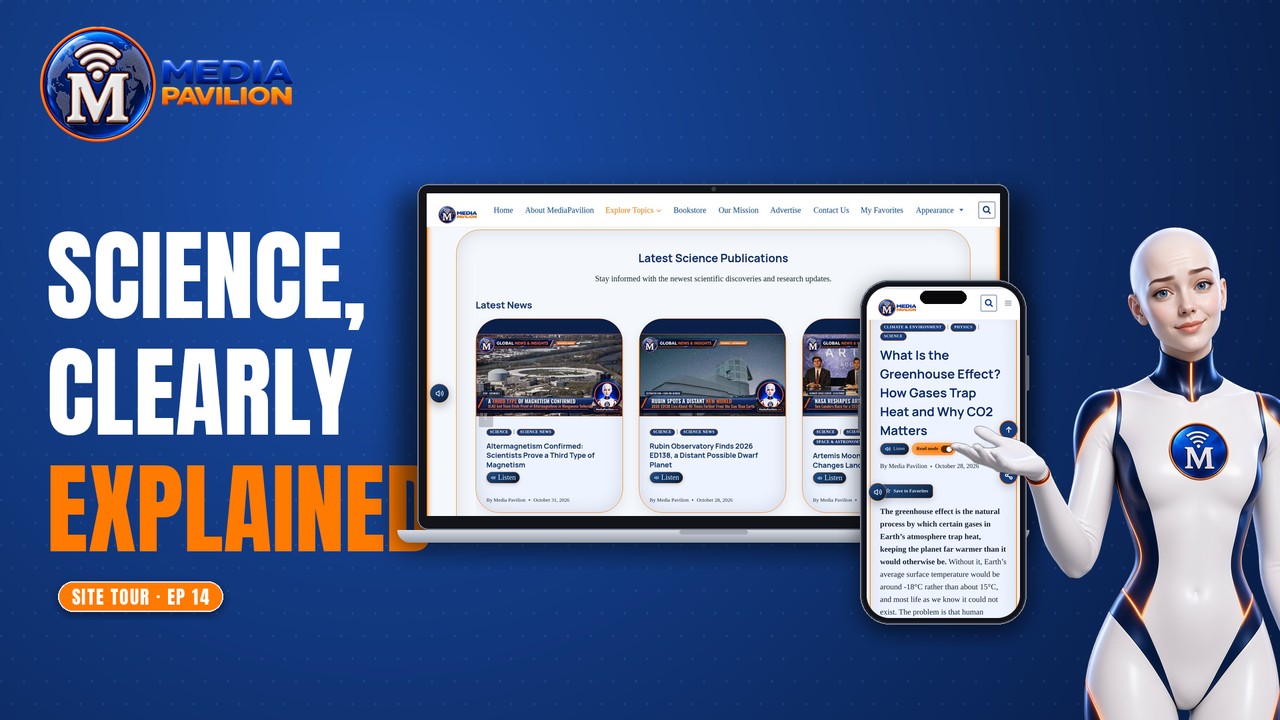
Discoveries that expand our world: scientific discoveries, research and new frontiers, from space and astronomy to climate, physics and biology.
- Topics: Science News, Earth & Nature, Space & Astronomy, Climate & Environment, Physics and Biology
EPISODE 15
Entertainment & Media
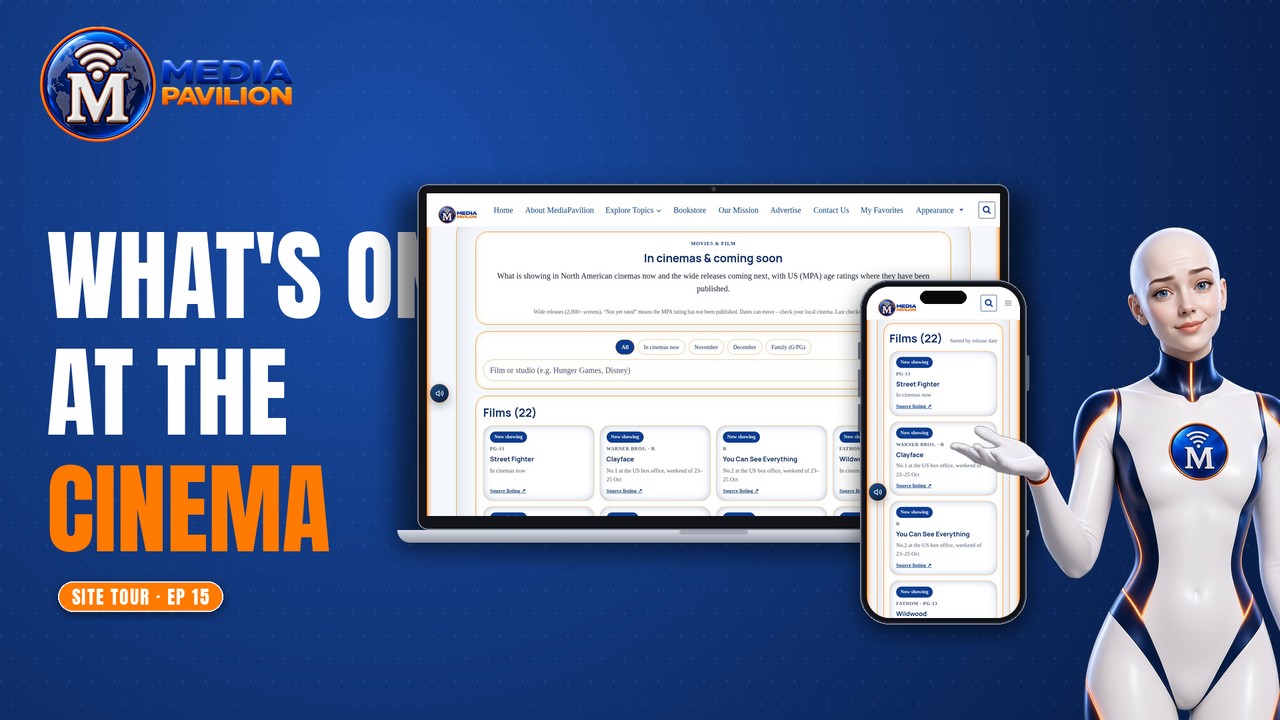
Film, TV, music, streaming and celebrities, plus what is showing in cinemas now and coming soon.
- Topics: Celebrities, Movies & Film, TV Shows, Music and Streaming & Videos
EPISODE 16
Books & Publications
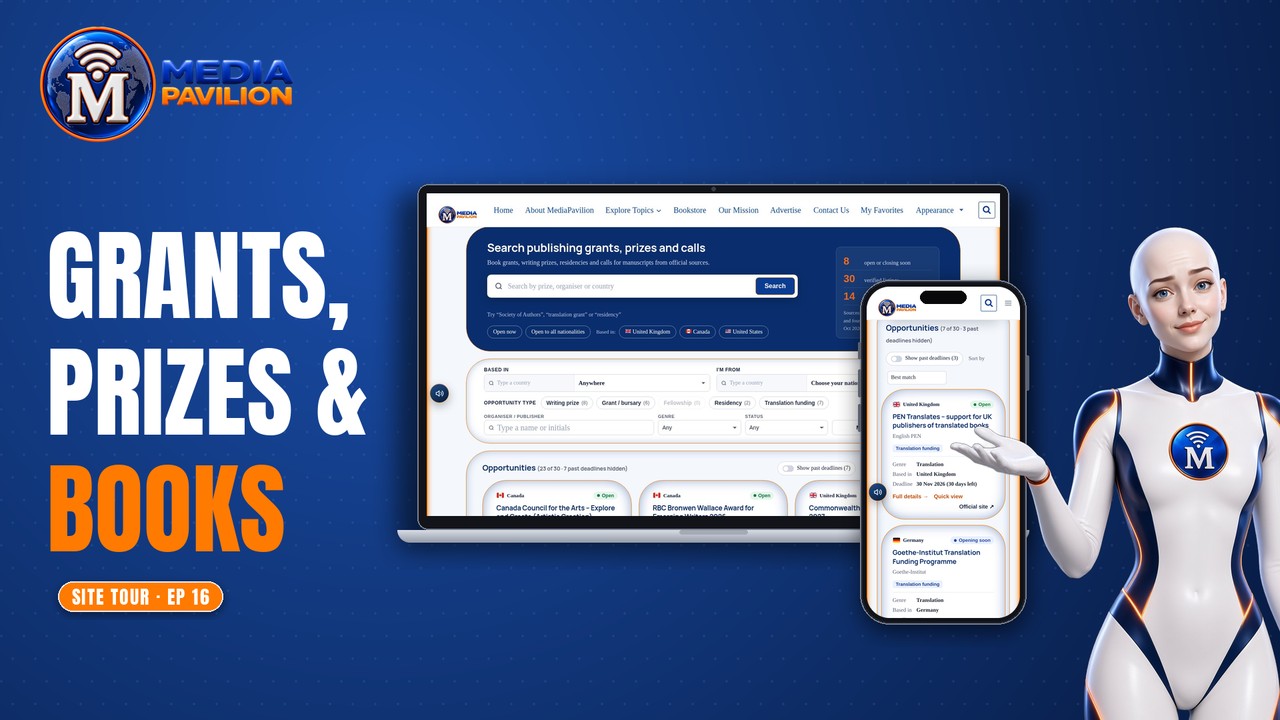
Publishing news and book guides, plus a finder for writing prizes, grants for authors, translation funding and writers’ residencies.
- Books & Publishing News and Book Guides & Insights
- Publishing opportunities finder
EPISODE 17
Find anything: menus, Explore Topics and search
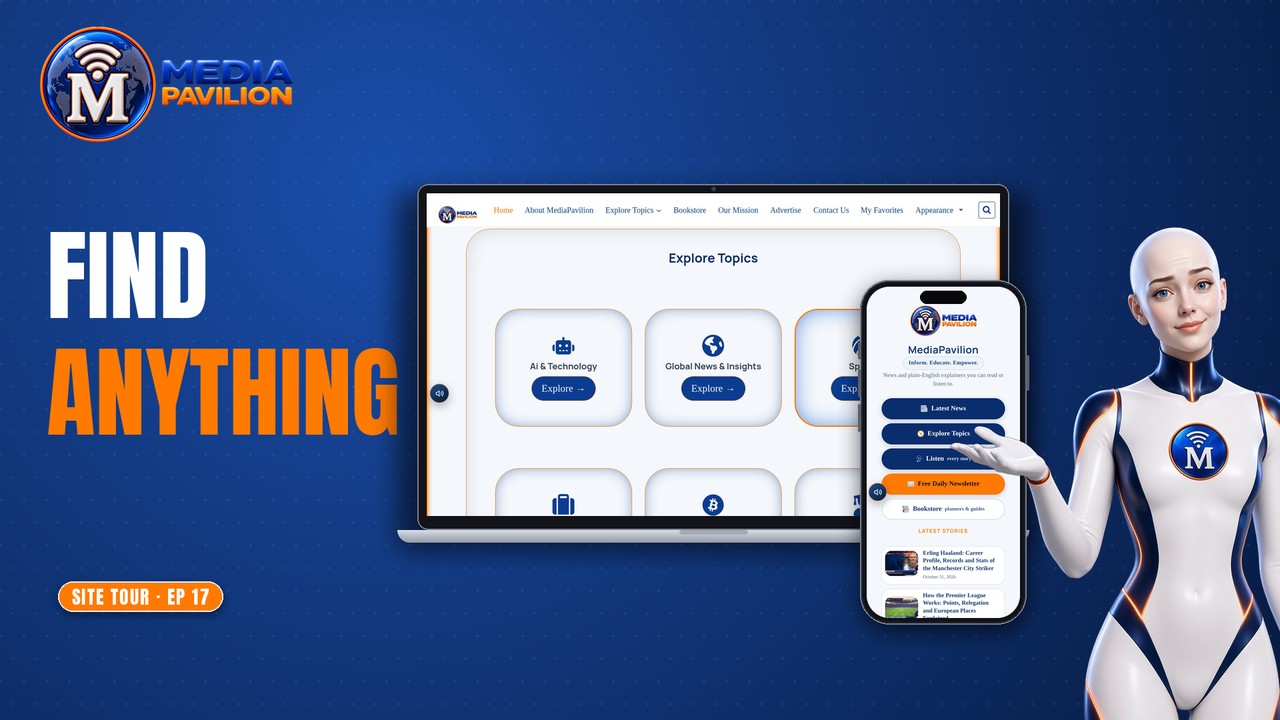
The quickest ways around MediaPavilion: the homepage sections, the menu, the Explore Topics page, search and our links page.
- Homepage: Featured Pages, Breaking & Live, Latest Stories and Explore Topics
- Search suggestions as you type
EPISODE 18
Who we are: About, Mission and Editorial Policy
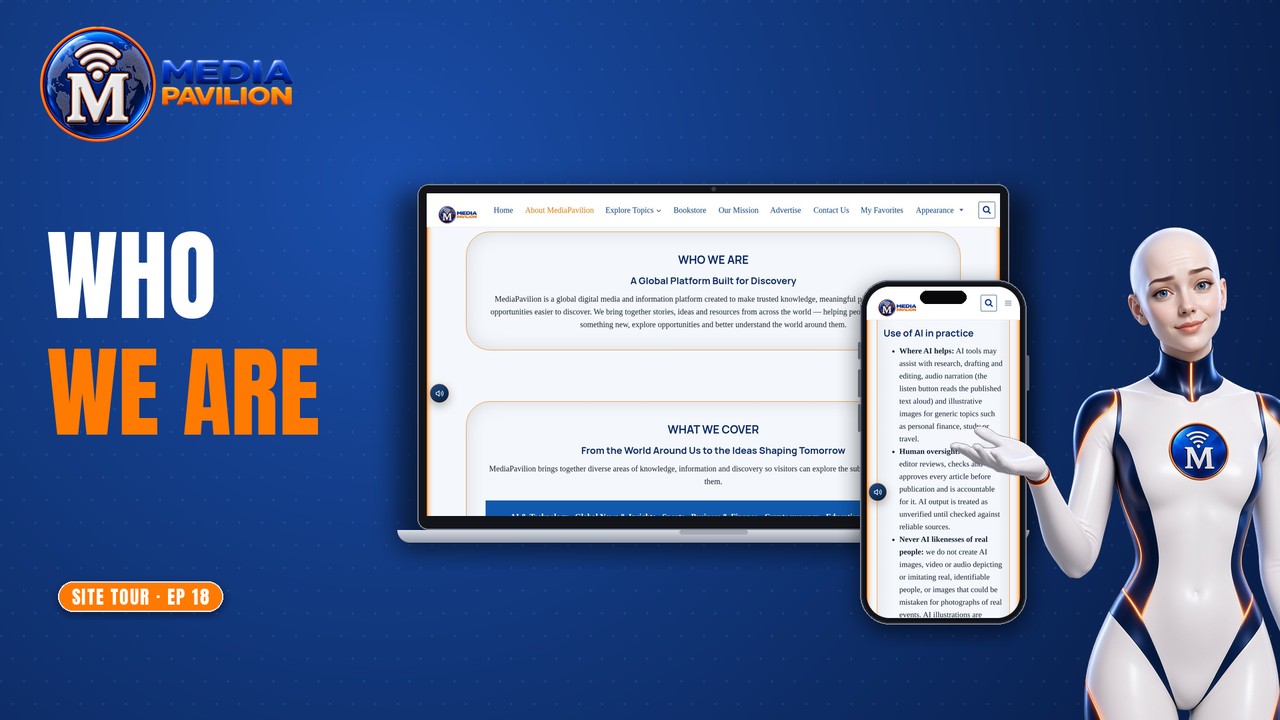
Who is behind MediaPavilion, what we stand for, how we use AI with human review, and how to advertise or get in touch.
- About MediaPavilion and Our Mission
- Editorial Policy, including how AI is used
- Advertise with us and Contact
Questions?
Find quick answers in the FAQ, or send us a message.