Is Public Wi-Fi Safe? Real Risks and How to Stay Protected
Quick answer: Public Wi-Fi is much safer than it used to be, but it is not risk-free. Because almost all websites and apps now encrypt your connection with HTTPS (Google’s data shows about 98% of pages loaded in Chrome in the US use it), a stranger on the same coffee-shop network usually cannot read your passwords or card numbers. The bigger risks today are fake “evil twin” hotspots, phishing login pages, unpatched devices and file sharing left switched on. Use the venue’s official network, keep your software updated, turn off auto-join, and use mobile data or a reputable VPN for banking if you are unsure.
For years the advice was blunt: never use public Wi-Fi. Then the web changed. Most sites and apps now encrypt traffic by default, which removed many of the classic coffee-shop attacks. So is free Wi-Fi at the airport, hotel or café safe now? Mostly, if you follow a few habits. Here is what has changed, what the real risks are, and how to protect yourself during the busy holiday travel season.
Is It Safe to Use Public Wi-Fi?
For everyday browsing, streaming and messaging, generally yes, as long as your device is up to date and you are on the genuine network. HTTPS encrypts the data between your browser or app and the website, so even on an open network, other users should only see which sites you connect to, not what you type. According to Google’s Transparency Report, roughly 98% of pages loaded in Chrome in the United States in 2026 used HTTPS, up from about 44% in 2015.
Encryption is not a force field, though. It does not stop you connecting to a fake hotspot, typing your password into a convincing fake page, or exposing shared folders on your laptop. That is why both the Federal Communications Commission (FCC) and the Cybersecurity and Infrastructure Security Agency (CISA) still urge caution.
What Are the Real Risks of Public Wi-Fi?
- Evil twin hotspots. CISA describes how an attacker can set up a hotspot that imitates a legitimate one, often with a stronger signal, so that people connect to it by mistake. The attacker can then try to redirect you to fake login pages.
- Fake captive portals and phishing. A sign-in page asking for your email password, card details or to install an app is a red flag.
- Unencrypted traffic. A small number of old sites, apps and smart devices still send data without encryption, which CISA warns can be “sniffed” on open networks.
- File sharing and open ports. CISA notes that unsecured public Wi-Fi combined with file sharing can let others access folders you did not mean to share.
- Shoulder surfing. Someone simply watching your screen in a crowded lounge is still one of the easiest attacks.
Is Public Wi-Fi Safe for Online Banking?
Banking apps and websites use strong encryption, so a quick check of your balance on a legitimate network is far less risky than it used to be. Still, if you can, use your mobile data for banking and payments when out and about. The FCC says that when transmitting sensitive information, using your cellphone data plan instead of Wi-Fi may be more secure. Always use the bank’s official app rather than a link, and keep two-factor authentication switched on.
Does a VPN Make Public Wi-Fi Safe?
A virtual private network (VPN) encrypts all traffic between your device and the VPN provider, which adds protection on networks you do not trust and hides which sites you visit from others on the network. The FCC recommends considering a VPN if you use public hotspots regularly. But a VPN cannot protect you from typing your password into a phishing page or downloading malware, and you are shifting trust to the VPN company. Choose a well-known paid provider or one supplied by your employer, and avoid “free VPN” apps from unknown developers, which may log or sell your data.
Is Wi-Fi With a Password Safer?
Somewhat. A network using WPA2 or WPA3 encryption scrambles traffic over the air, and CISA advises connecting only to access points that use at least WPA2. But if the password is printed on a sign for everyone, every other customer can still join the same network. Treat it as a shared space, not a private one.
How to Stay Safe on Public Wi-Fi: A Checklist
- Confirm the network name with staff, and be wary if two similar names appear. The FCC specifically recommends checking with the establishment to avoid imposter hotspots.
- Look for HTTPS and the padlock in your browser before you log in or pay.
- Turn off auto-join for networks you do not trust, so your phone does not connect to look-alikes automatically.
- Keep your device and apps updated, which closes security holes.
- Turn off file sharing and AirDrop or Nearby Share to “Contacts only” when you are out.
- Use a private Wi-Fi address. Apple devices use a different Wi-Fi address for each network to improve privacy, and many Android phones offer a similar randomised MAC setting.
- Never install software or certificates that a hotspot sign-in page asks you to download.
- Use mobile data or a VPN for sensitive tasks such as banking, tax or work systems.
- Log out and “forget” the network when you leave.
- Use strong, unique passwords and passkeys with a password manager, so one stolen password does not unlock everything.
Is Airport and Hotel Wi-Fi Safe?
Airport and hotel networks are among the most targeted because they are busy and full of travellers in a hurry. Ask the front desk or check airport signage for the exact network name, avoid networks with generic names such as “Free Airport WiFi” unless they are confirmed, and be suspicious of sign-in pages asking for more than a room number, a surname or acceptance of terms. If you are travelling for the holidays, see our guide to the busiest days to travel for Thanksgiving too.
Frequently Asked Questions
Can someone see what I am doing on public Wi-Fi?
On HTTPS sites, others on the network can usually see only which domains you visit, not what you read or type. A VPN can hide the domains too.
Is public Wi-Fi safe on an iPhone or Android phone?
Modern phones are well protected if they are up to date, use HTTPS-based apps and have auto-join turned off for untrusted networks. Phishing pages remain the main danger.
Can you get hacked just by connecting to Wi-Fi?
It is rare for a fully updated device. Most attacks rely on you entering details into a fake page, installing something or leaving file sharing open.
Is it safer to use a personal hotspot?
Yes. Tethering to your own phone’s mobile data with a strong password avoids sharing a network with strangers.
Do I still need antivirus?
Built-in protection on modern Windows, Mac and phones covers most people. Our guide to whether you still need antivirus explains when extra software helps.
The Bottom Line
Public Wi-Fi has gone from “never” to “usually fine, with care”. Encryption protects most of what you do, but it cannot spot a fake hotspot or a phishing page for you. Confirm the network, keep your device updated, switch on two-factor authentication, and use mobile data or a VPN for the sensitive stuff. For more ways to protect your accounts, read our guides on spotting a phishing email and backing up your phone.
Related Reading
- Passwords, Passkeys and Two-Factor Authentication: How to Secure Your Accounts
- How to Spot a Phishing Email (and What to Do If You Clicked)
- Do You Still Need Antivirus in 2026?
- How to Make Your Phone Battery Last Longer
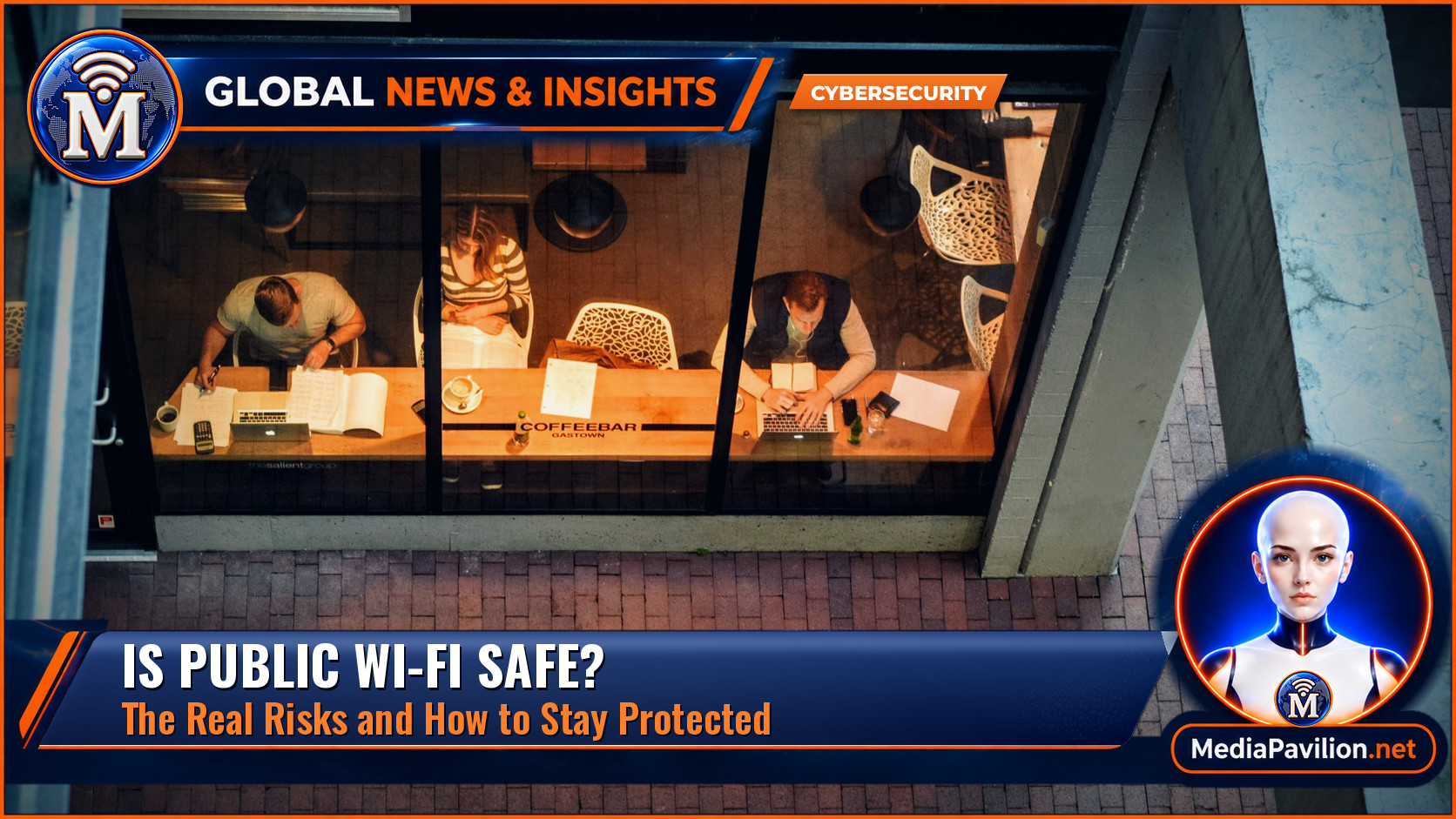
Featured image: Busy people at a coffee shop (Unsplash), by Tim Gouw / Wikimedia Commons, CC0. Cropped, colour-graded and combined with MediaPavilion branding.
Sources
- Federal Communications Commission — Wireless Connections and Bluetooth Security Tips (Reviewed 26 November 2025).
- Cybersecurity and Infrastructure Security Agency (CISA) — Securing Wireless Networks.
- Google Transparency Report — HTTPS encryption on the web.
- Apple Support — Use private Wi-Fi addresses on Apple devices.