iOS 27.2.1 Update: What It Fixes and Should You Install It?
Apple has released iOS 27.2.1, a security update for iPhone that fixes nine vulnerabilities, including a flaw that could let a remote attacker join an iMessage group chat and read its messages. The update arrived on Monday 9 November 2026 without a beta period, alongside iPadOS 27.2.1, macOS 27.2.1, watchOS 27.2.1 and visionOS 27.2.1, plus patches for older versions of Apple’s software.
If you are wondering whether to install it now, the short answer from security reporters is yes. Here is what iOS 27.2.1 fixes, which devices can get it and how to update.
What Does iOS 27.2.1 Fix?
According to Apple’s security notes for iOS 27.2.1, the update addresses problems in Messages, Bluetooth, AirPlay and other system components. The most notable fixes are:
- iMessage group chats: a remote attacker may have been able to join an iMessage group chat and receive its messages. A separate bug could let someone added to a group see messages sent before they joined.
- Bluetooth pairing: a malicious Bluetooth device may have been able to pair without user interaction, and another bug could let an attacker in Bluetooth range corrupt process memory.
- AirPlay pairing codes: several flaws let an attacker in Bluetooth range or on the same network bypass the limit on how many pairing codes they could try. Heise reported that this could let nearby attackers crack pairing codes and gain access to audio and video signals.
- App data: an authorisation issue that could let an app access sensitive user data.
- Memory corruption: an out-of-bounds write triggered by maliciously crafted input.
MacRumors noted that Apple credits itself with finding four of the vulnerabilities, meaning they were discovered internally. Others are credited to anonymous researchers.
Is iOS 27.2.1 Safe, and Should I Update?
Apple has not said that any of these flaws were exploited in real attacks, which it usually flags when it knows of active exploitation. That means this is not an emergency of the kind seen with some past “zero-day” patches. Even so, MacRumors and heise both advised installing it as soon as possible, because Apple’s notes make the weaknesses public and give attackers clues.
The fixes matter most if you regularly use iMessage group chats, AirPlay to TVs or speakers, or connect to Bluetooth devices in public places such as cafés, gyms and airports. Early user reports of bugs after the update are anecdotal; Apple has not acknowledged any widespread problems.
Which iPhones Can Get iOS 27.2.1?
Apple lists iOS 27.2.1 as available for the iPhone 11 and later. The matching iPadOS update covers the iPad Pro 12.9-inch (4th generation) and later, iPad Pro 11-inch (2nd generation) and later, iPad Air (4th generation) and later, iPad (9th generation) and later, and iPad mini (6th generation) and later.
If you cannot or do not want to move to iOS 27, Apple has also released iOS 26.7.3 (fixing eight of the nine issues) and iOS 18.7.12 (six fixes plus a separate AirPlay patch), according to heise. All of Apple’s patches are listed on its security releases page.
How Do I Install iOS 27.2.1?
The update is small and should take only a few minutes on most phones. Before you start, it is worth making sure your data is backed up; our step-by-step guide to backing up your computer and phone explains the 3-2-1 rule.
- Connect to Wi-Fi and plug in your iPhone, or make sure the battery is above 50%.
- Open Settings, then General, then Software Update.
- Tap Update Now (or Install Now) for iOS 27.2.1 and enter your passcode.
- Your iPhone will restart. Check the version afterwards under Settings > General > About.
- To get future fixes automatically, tap Automatic Updates on the same screen and switch on the install options.
What About Macs, Apple Watch and Vision Pro?
macOS 27.2.1 fixes eight of the nine issues in the iPhone update, plus protections linked to the eMudhra certificate vulnerability for command-line tools, MacRumors reported. watchOS 27.2.1 and visionOS 27.2.1 fix the full set. Older Macs get macOS Tahoe 26.7.3 and macOS Sequoia 15.8.3. On a Mac, go to System Settings > General > Software Update.
What Happens Next?
Apple has not announced its next iOS release or a date for it. Until then, iOS 27.2.1 is the version to be on. If you manage several family devices, it is worth checking each one, because older iPhones and iPads may be offered iOS 26.7.3 or iOS 18.7.12 instead.
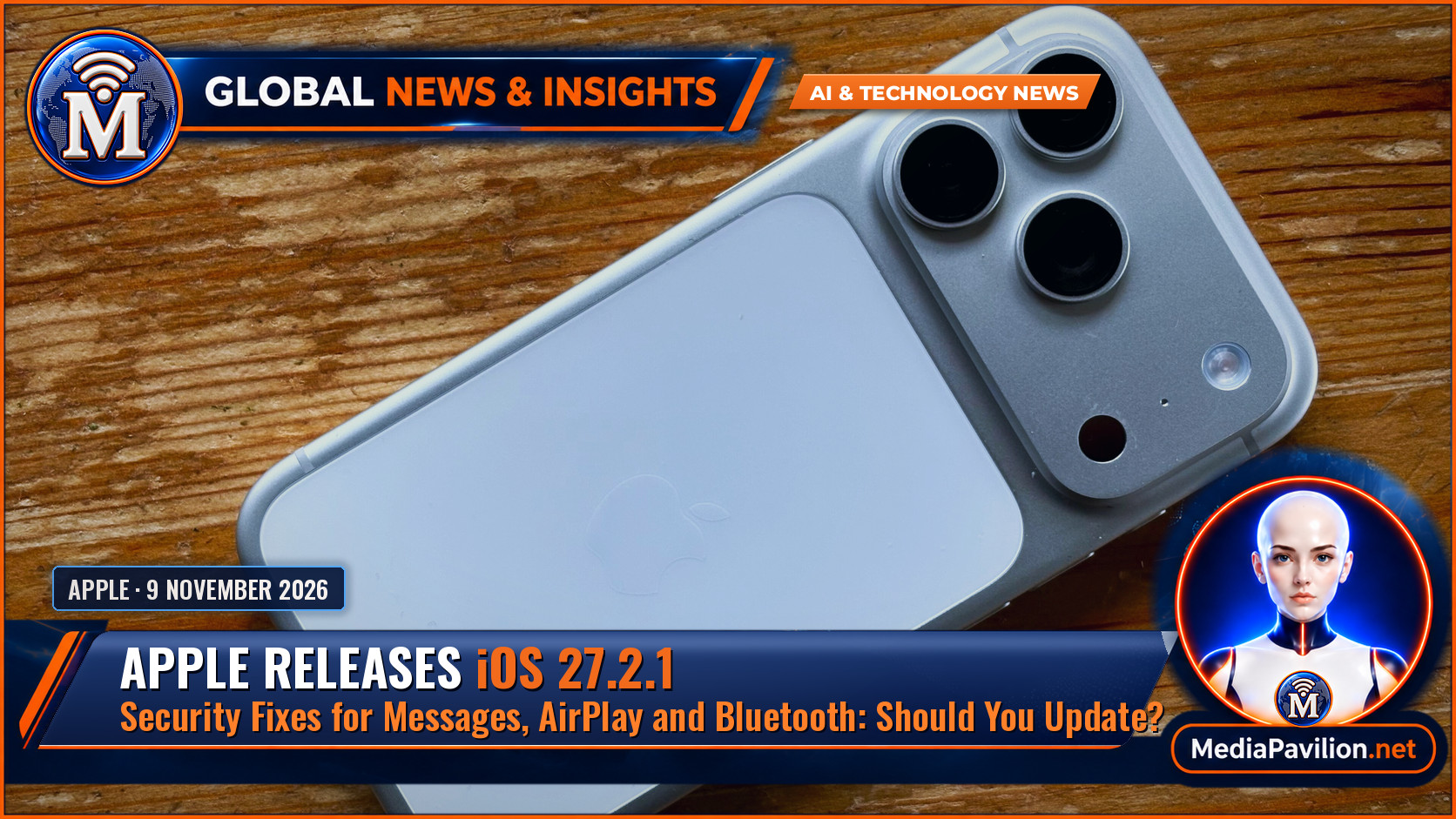
Featured image: iPhone 17 Pro, by Olgierd Rudak / Wikimedia Commons, CC0. File photo.
- Apple Support — About the security content of iOS 27.2.1 and iPadOS 27.2.1 (9 November 2026).
- heise online — Out-of-cycle security updates for nearly all Apple devices (10 November 2026).
- MacRumors — Here’s What Apple Fixed in iOS 27.2.1 and macOS 27.2.1 (9 November 2026).
- 9to5Mac — iOS 27.2.1 has fixes for security issues in Messages, AirPlay, and more (9 November 2026).
- Apple Support — Apple security releases.