Is It Safe to Put Personal Information Into ChatGPT?
Quick answer: It is safe to use ChatGPT and other AI chatbots for everyday questions, but do not put sensitive personal information into them: Social Security numbers, passwords, bank or card details, medical records, or confidential work documents. By default, ChatGPT Free, Plus and Pro may use your chats to train OpenAI’s models unless you switch off “Improve the model for everyone”; Google says some Gemini chats are read by human reviewers and kept for up to three years; and Claude keeps chats for up to five years if you allow training. Use temporary or incognito chats, turn off training, and share only what you would be comfortable seeing leaked.
AI chatbots are brilliant at drafting emails, explaining medical jargon or untangling a spreadsheet. That makes it tempting to paste in your payslip, your lab results or a client contract. Before you do, it helps to know where that text goes, who might see it and how long it is kept. A study published this month showed why caution matters: security firm Dragos found that data sent to some AI hosting services had been exposed, as we reported in our story on the AI prompt leak. Here is a plain-English guide to what the big chatbots keep, the settings that matter and a simple rule for what never to share.
Is It Safe to Put Personal Information Into ChatGPT?
For low-stakes personal details, such as your rough age to tailor a fitness plan or your city for travel tips, the risk is small. For anything that could be used to steal your identity, money or accounts, the answer is no. There are three reasons:
- Training: unless you opt out, your conversations may be used to improve future models
- Human review: some providers have trained staff or contractors read a sample of chats
- Breaches and leaks: any data stored on a server can be exposed through hacking, bugs or mistakes, as several AI providers disclosed in November 2026
OpenAI’s own data controls FAQ says that on personal ChatGPT Free, Plus and Pro accounts “data sharing is enabled by default”, and you can turn off Improve the model for everyone while keeping your chat history. ChatGPT Business, Enterprise and Edu content is not used for training by default.
What Do ChatGPT, Gemini and Claude Keep?
| Chatbot | Used for training by default? | How long chats are kept | Private option |
|---|---|---|---|
| ChatGPT (Free, Plus, Pro) | Yes, unless you turn off “Improve the model for everyone” | Until you delete them; deleted chats are scheduled for permanent deletion within 30 days | Temporary Chat (not in history, not used for training, a copy may be kept up to 30 days for safety) |
| Google Gemini | Controlled by your Gemini History settings | Per your auto-delete setting; chats seen by human reviewers kept up to 3 years | Temporary chats (kept about 2 months, not used for training) |
| Claude (Free, Pro, Max) | Only if you allow it in Privacy Settings | Up to 5 years if you allow training | Incognito chats (not used for training) |
Details are taken from the companies’ own help pages as of November 2026, linked in the Sources section. Policies change often, so check the settings yourself.
Google’s Gemini Apps Privacy Notice is unusually blunt: “Please don’t enter confidential information that you wouldn’t want a reviewer to see or Google to use to improve our services.” It adds that reviewed chats are disconnected from your account but retained for up to three years, even if you delete your history.
Anthropic, which makes Claude, changed its consumer terms in 2025 so that users choose whether their chats can train its models; if you agree, it extends retention to five years. Its privacy centre says incognito chats are not used for training, but chats flagged for safety review may be analysed.
What Should You Never Tell an AI Chatbot?
- Social Security number, passport or driver’s licence numbers
- Passwords, PINs, two-factor codes or recovery phrases
- Bank, card or investment account numbers
- Full medical records or test results with your name on them
- Confidential work files, client data or unreleased financial results
- Other people’s private information without their permission
- Photos of IDs, cheques or documents with signatures
A useful test: if a stranger read this chat, would it cause you financial, legal or personal harm? If yes, remove or disguise the details before you send it.
How Do You Use ChatGPT More Privately?
- Turn off training. In ChatGPT, open Settings, then Data controls, and switch off “Improve the model for everyone”. In Gemini, review your Gemini History settings. In Claude, check Privacy Settings.
- Use temporary or incognito chats for anything personal. They stay out of your history and are not used for training while they remain temporary.
- Anonymise before you paste. Replace names with “Person A”, round numbers, and cut account numbers. The AI can still help you with the structure.
- Delete what you do not need. Clear old chats and check memory features, which can store facts about you between conversations.
- Secure your account. A hacked chatbot account exposes your whole history, so use a strong unique password, a passkey or two-factor authentication; our guide to passwords, passkeys and 2FA explains how.
- Be careful with third-party apps and plug-ins. Data sent to outside tools follows their privacy policies, OpenAI notes, which may keep it longer.
Is ChatGPT Safe to Use for Work?
Only within your employer’s rules. Many companies ban pasting confidential data into consumer chatbots, and some have had staff accidentally leak source code that way. If your workplace provides ChatGPT Enterprise, Gemini for Business or Claude for Work, use that: business plans generally exclude your data from training by default and come with contractual protections. Never use a personal account for client data.
Myths About AI Chatbot Privacy
- “Deleting a chat erases it instantly.” Not always. OpenAI schedules deleted chats for permanent deletion within 30 days, and Google keeps human-reviewed Gemini chats for up to three years.
- “Turning off training means no one keeps my data.” No. Providers still store chats to run the service and for safety checks.
- “Zero data retention guarantees privacy.” The November 2026 Dragos research found some AI hosts ignored such flags. A setting is only as good as the company enforcing it.
- “AI apps are anonymous.” If you are signed in, your chats are linked to your account unless a provider says otherwise.
Frequently Asked Questions
Is ChatGPT safe and private?
ChatGPT uses encryption and offers privacy controls, but it is not fully private. Chats may be stored, reviewed for safety and, by default on personal accounts, used for training unless you opt out.
Is it safe to put personal information into Claude or Copilot?
The same rule applies: share only what you would be comfortable having stored. Claude uses chats for training only if you allow it. For Microsoft Copilot, check the privacy settings in your Microsoft account.
Can ChatGPT see my other files or accounts?
Only if you upload files or connect apps. Review connected apps regularly and remove those you no longer use.
Should I use a VPN with AI chatbots?
A VPN hides your IP address from websites but does not stop a chatbot from storing what you type. Our guide on whether a VPN is worth it explains what it does and does not protect.
Related Reading
- AI Prompt Leak: OpenRouter Drops 3 Providers After Dragos Test
- ChatGPT vs Gemini vs Claude
- Passwords, Passkeys and Two-Factor Authentication
- What Is an AI Agent?
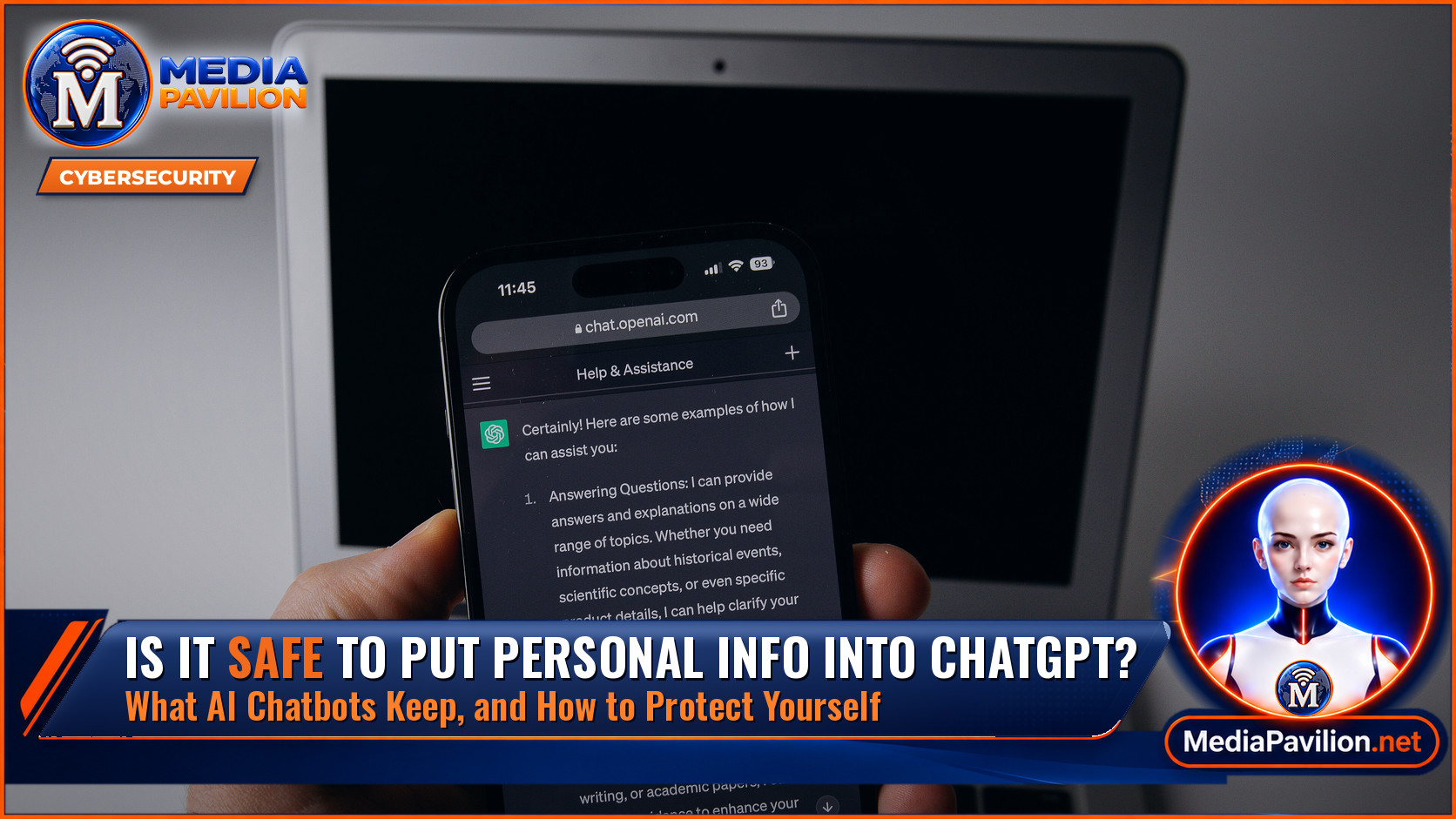
Featured image: a smartphone showing the ChatGPT app in front of a laptop (file photo), by Jernej Furman / Wikimedia Commons, CC BY 2.0. Cropped, colour-graded and combined with MediaPavilion branding.
Sources
- OpenAI Help Center — Data controls in ChatGPT (accessed 22 November 2026).
- OpenAI Help Center — Temporary chat in ChatGPT (accessed 22 November 2026).
- Google — Gemini Apps Privacy Notice (updated 19 November 2026).
- Anthropic Privacy Center — Is my data used for model training? (accessed 22 November 2026).
- Anthropic — Updates to Consumer Terms and Privacy Policy (28 August 2025).
- Dragos — AI Supply Chain Security: What Canary Tokens Found (19 November 2026).