Can’t Screenshot Signal? Why It Now Blocks Siri and Gemini
Tried to grab a screenshot of a Signal chat this weekend and got nothing, or a pop-up telling you it was blocked? That is deliberate. On 20 November 2026 Signal began switching on screenshot blocking by default on iPhone and turning it on automatically on Android, to stop the AI assistants now built into phones from reading your conversations.
Signal president Meredith Whittaker called operating-system AI agents a threat to the app’s core promise. Here is what has changed, how to take a screenshot if you really need one, and what you give up when you do.
What exactly did Signal change?
According to Signal’s support page, the new screen security blocks three things while it is on: screenshots and screen recordings inside the app, Signal content showing in the recent-apps list or App Switcher, and on-device AI assistants reading what is on your screen.
- iPhone: a new setting called Block Siri AI is on by default in Signal 8.37 or later, on iOS 27 or later.
- Android: in Signal 8.35.1 or later, Screen security turns on automatically the first time an AI assistant tries to read Signal’s screen, and the app shows a message explaining why. You can switch it on straight away in settings.
- Desktop: Signal already blocked screenshots by default on Windows 11 last year to keep Microsoft’s Recall feature out. It says it cannot do the same reliably on macOS.
Nothing else changes. Signal says the feature only affects screen capture and on-device scanning; your messages are still end-to-end encrypted, and who can see them is unchanged.
Why is Signal blocking screenshots now?
The short answer is agentic AI. Apple and Google are building assistants into the operating system that can look at whatever is on screen so they can answer questions and take actions for you. Signal names Gemini on Android and the onscreen awareness features of Siri on iOS 27.
In a blog post on 20 November, Whittaker wrote that once an OS-level agent captures your screen, your data is “made accessible to whatever local database or remote server an OS-level AI agent is using at that moment”, which is “outside of Signal’s control”. TechCrunch reported that she described the trend as an “existential threat” to private messaging.
The point matters for everyone in a chat, not only the person holding the phone. If your friend’s assistant reads a group conversation, your messages go with it, even though you never agreed to anything.
How do you take a screenshot in Signal now?
You can still turn the protection off. Signal asks you to confirm first, because AI assistants may then be able to scan your chats.
- iPhone: open Signal, go to Settings → Privacy → Block Siri AI and pick Off for 10 Minutes (best for a one-off screenshot) or Off.
- iPhone shortcut: when a screenshot is blocked, Signal shows a message. Tap Options to pause protection for 10 minutes, turn it off, or leave it on.
- Android: go to Settings → Privacy → App security → Screen security and switch it off. On Android the phone simply refuses the screenshot while protection is on.
One detail worth knowing: on Android, if you turn protection off from the prompt rather than in settings, Signal turns it back on after 90 days. If you switch it off manually in settings, Signal says it will not remind you again.
Does Signal tell the other person when you screenshot?
No. This change is about blocking capture on your own device, not alerting your contacts. Signal does not send screenshot notifications, and that has not changed. If you need a record of a conversation (for a dispute or a scam report, say), the 10-minute pause on iPhone is the least risky option because protection switches itself back on.
Is Signal’s fix complete?
Signal itself says no. Whittaker called the remedy “incomplete”: blocking screenshots does nothing about “more sneaky ways” an agent could reach app data, such as reading files already stored on the device. Coverage also varies on Android, because many phone makers’ versions of the system do not give Signal a reliable way to detect an assistant reading the screen.
That is why Signal is asking Apple, Google and Microsoft for proper developer controls. As The Verge reported, the company says it lacks “simple technical tools and accurate documentation” to keep agents out of sensitive apps without breaking the experience.
Should you leave it switched on?
For most people, yes. Here is a quick way to decide:
| Your situation | Our suggestion |
|---|---|
| You chat about health, money, legal or work matters | Leave Block Siri AI / Screen security on |
| You need a screenshot occasionally | Use the 10-minute pause (iPhone) and switch it back on (Android) |
| You rely on an assistant to read or summarise messages | Turning it off works, but understand the chats may leave Signal’s protection |
| You are worried about AI assistants in general | Review assistant permissions in your phone’s settings too, not just in Signal |
The bigger story is that the same tension will hit other private apps, from banking to health. If you use AI assistants at all, it is worth knowing what they can see; our guide on whether it is safe to put personal information into ChatGPT walks through the settings for the main chatbots, and our explainer on what an AI agent is covers why agents that can act on your screen raise new questions.
Related Reading
- Is It Safe to Put Personal Information Into ChatGPT?
- What Is an AI Agent? How It Works, With Examples
- AI Prompt Leak: OpenRouter Drops 3 Providers After Dragos Test
- Passwords, Passkeys and Two-Factor Authentication
- How to Free Up Storage on iPhone
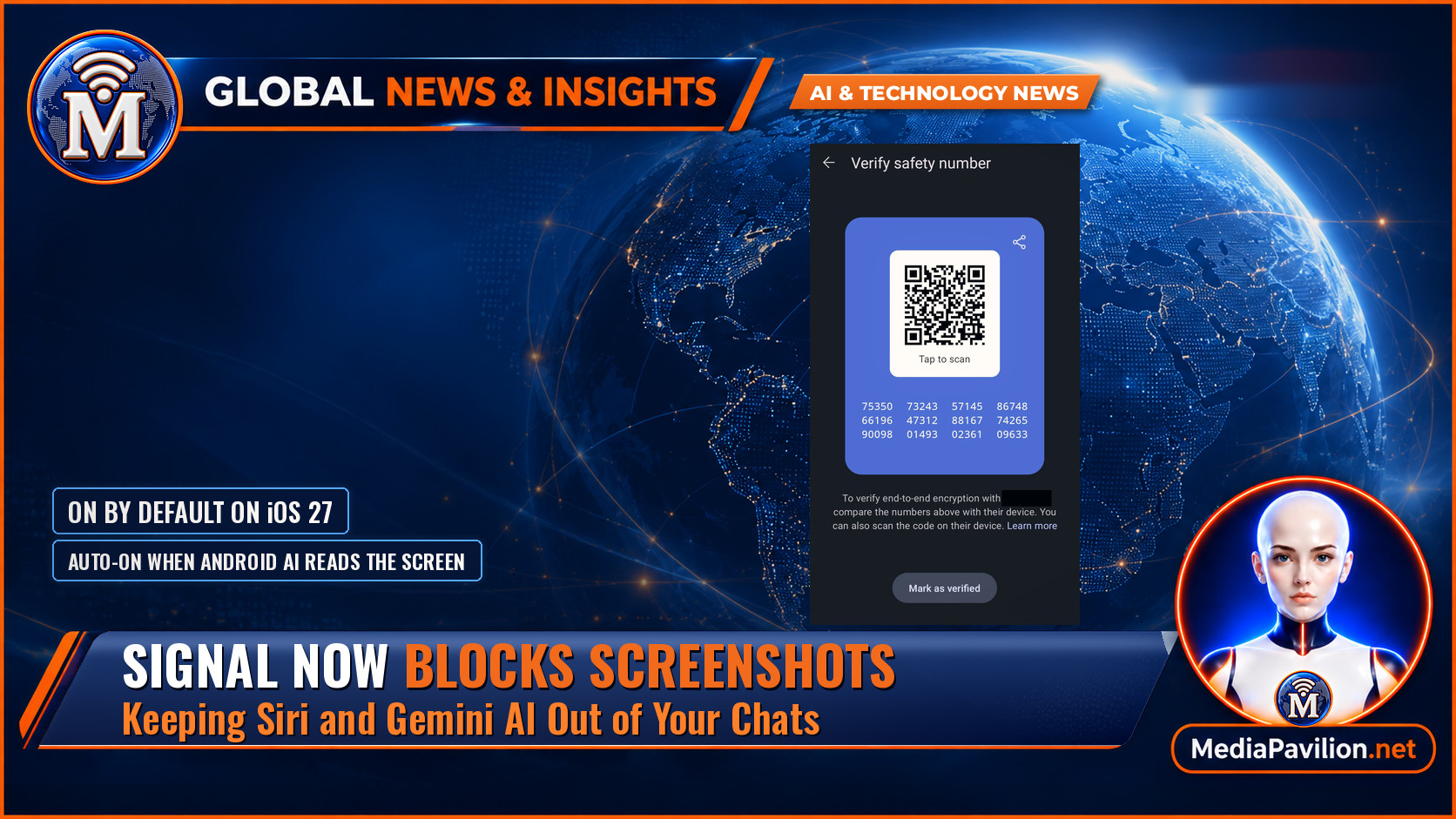
Featured image: Signal’s “Verify safety number” screen on Android, by ShreyasMinocha / Wikimedia Commons, CC0 1.0. Combined with MediaPavilion branding.
Sources
- Signal — Signal is Serious About Protecting Your Privacy (Meredith Whittaker) (20 November 2026).
- Signal Support — Screen security: blocking Google Gemini and Siri AI (November 2026).
- TechCrunch — Signal restricts mobile screenshots as it confronts ‘existential threat’ of AI surveillance (21 November 2026).
- The Verge — Signal is blocking Gemini and Siri AI from reading your screen (20 November 2026).